How to reconcile marketplace settlements and claim short payments
Match every settlement line to its order, work out what the channel should have paid from your rate card, sort the gaps into claim types and raise each claim with the rows that prove it. Step by step, plus a free Claude skill that does it.
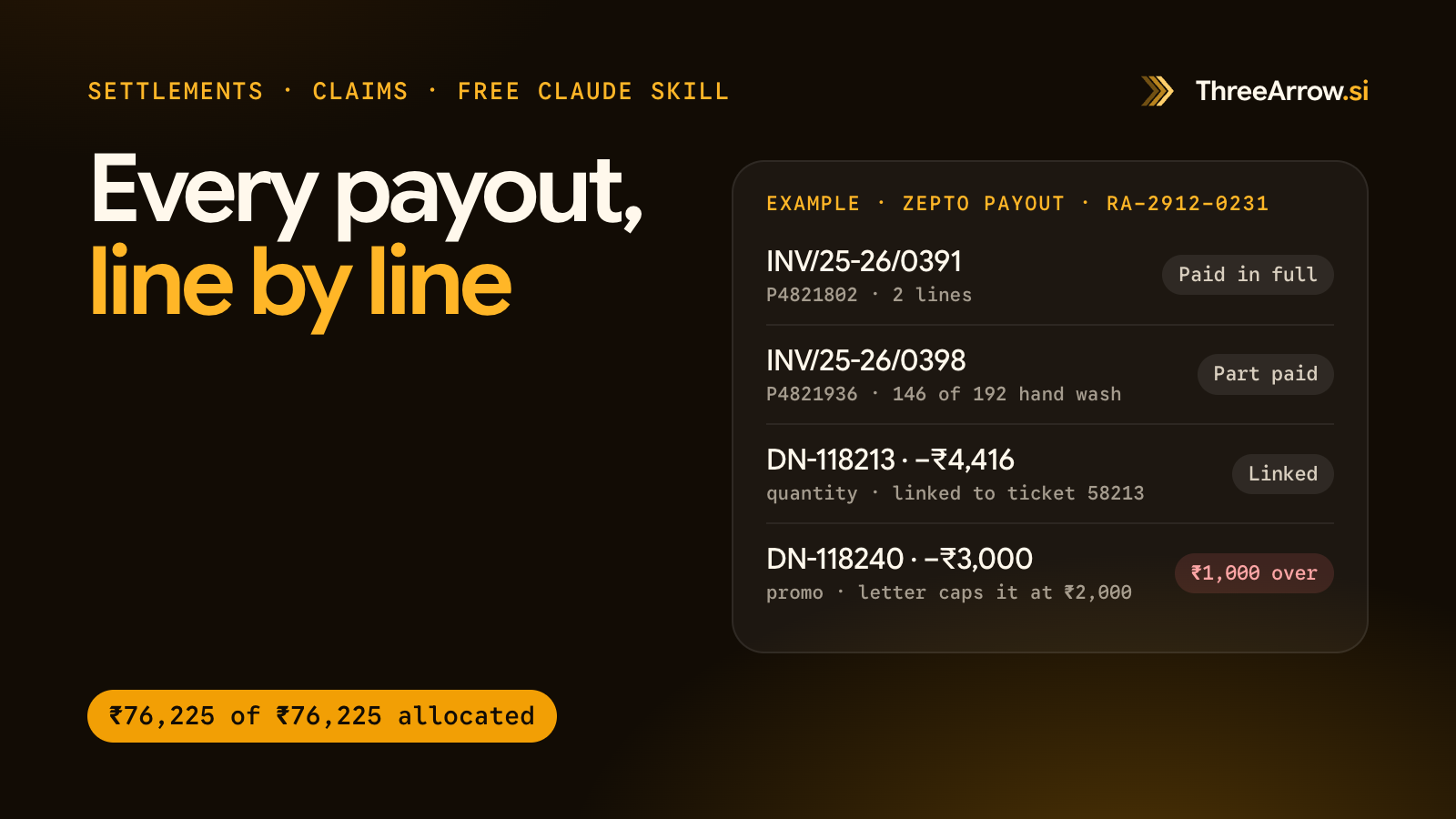
You reconcile marketplace settlements by matching every line in the settlement report to its order, working out what the channel should have paid from your rate card and your own order data, and comparing the two. Each gap goes into a type: unpaid, short paid, wrong fee, wrong weight slab, missing return credit and so on. Every claim you raise cites the exact rows that prove it.
The work is mostly joining spreadsheets. The hard part is keeping the evidence straight, because a claim without proof rarely comes back as money.
What you’ll need
- Settlement or payment reports for the period, from each seller portal. One row per transaction: sale, fee, refund, reversal, reimbursement.
- Your orders or invoices export: order and order item IDs, SKU, quantity, selling price, status and delivery or return dates.
- The rate card that applied in the period: commission by category and price band, fixed fees, shipping by weight slab and zone, collection fees.
- SKU weights and dimensions, to check shipping slabs.
- A returns report that shows what physically came back, and in what condition.
- Tax rates on fees and withholdings for the period, from your accountant.
- Bank credits with UTR references, if you want to tie payouts to the bank.
How do you reconcile settlements by hand?
- Pick one channel and one period. One payment cycle is a good first unit. Don’t mix channels in one sheet.
- Normalise the reports. IDs as text, dates in one format, deductions as negative numbers. Keep the original row numbers in a column; they are your evidence later.
- Join on the order item ID. It’s the most reliable key. Where a report has only an order ID, join on order ID plus SKU. One order item often has several lines across several settlements, so sum them per fee type.
- Work out the expected payout for each order item: selling price, minus commission at the rate card’s rate for that band, minus fixed fee, minus shipping for the SKU’s weight slab, minus collection fee, tax on fees and withholdings.
- Compare actual and expected. Set a tolerance for rounding, say a rupee per order item, and ignore anything inside it.
- Sort every gap into a type:
- Unpaid: delivered, payment cycle passed, no settlement line.
- Wrong fee: commission or fixed fee at a different rate from the rate card.
- Wrong weight slab: shipping charged for a heavier slab than the SKU weighs.
- Duplicate charge: the same fee taken twice.
- Return without the item: refund deducted, but the item never came back, or came back damaged or wrong.
- Missing reversal: cancelled or RTO, but fees your rate card says should be reversed weren’t.
- Missing reimbursement: lost or damaged while in the channel’s care, with nothing paid.
- Write down the evidence. For each claim: file name, row number and the values that prove it, from both the settlement and your rate card, weight sheet or returns report.
- Raise claims before the window closes. Every channel has its own claim process and deadline. Check them in the seller portal.
What about 1P payments from quick commerce and marketplaces?
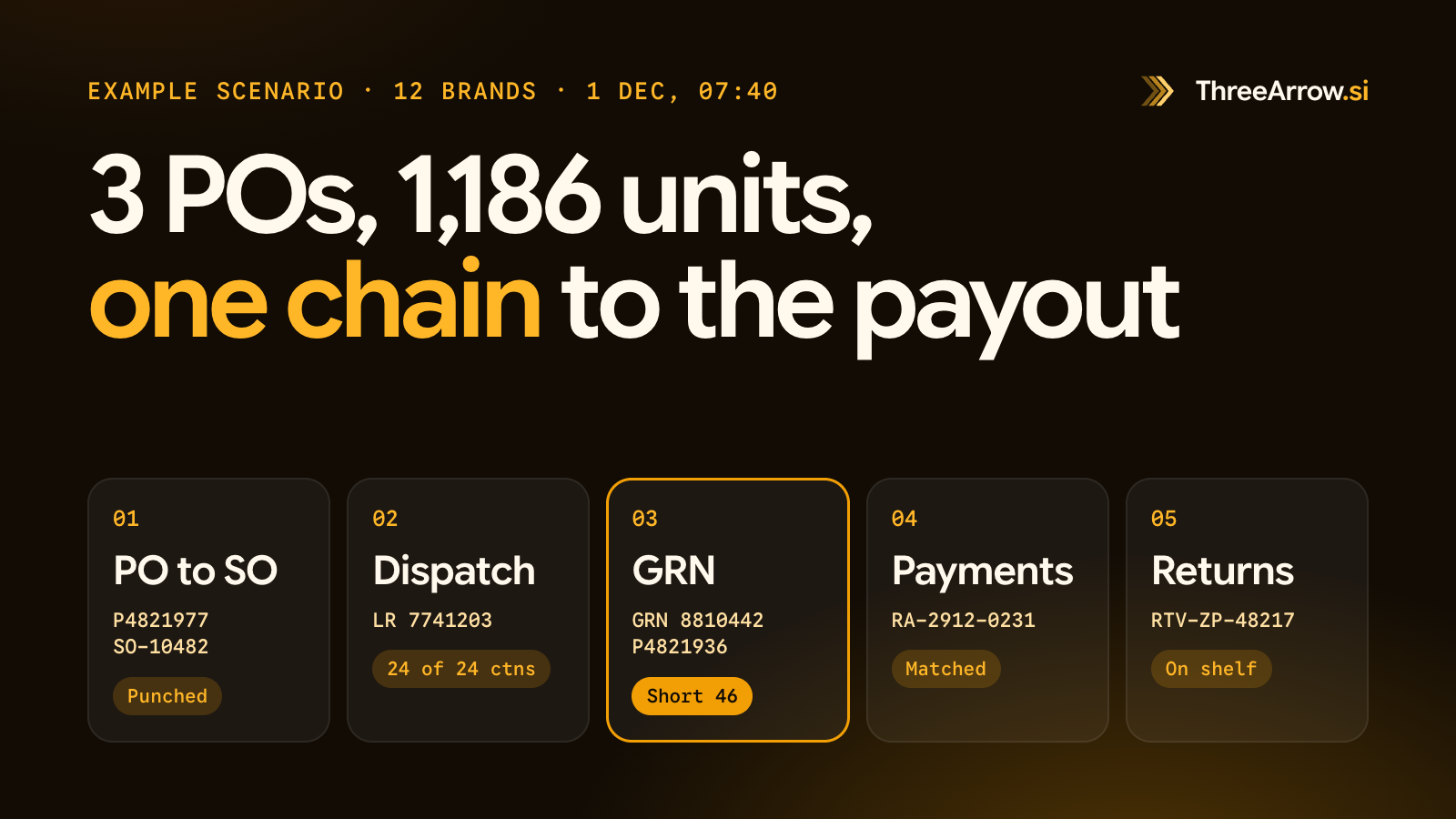
On 1P, the channel buys from you and pays your invoices. The same idea applies with different keys. Match each payment advice line to an invoice, then to the PO and GRN behind it. Look for invoices unpaid past their due date, payments below the GRN value, and deductions with no debit note behind them. A short GRN is its own claim: the count at the channel’s warehouse came in below what you shipped against the ASN.
Do it with the free skill
We built a free Claude skill that does the matching for you: the settlement reconciler. Give Claude the settlement reports, your orders export and, if you have them, the rate card, SKU weights and returns report. It works out the expected payout per order item, sorts every gap into a type, and marks each one as confirmed (your files prove it) or possible (it rests on an inference). You get:
- a summary of expected against received, and the gap by type,
- a claims list with the evidence rows and suggested claim text for each one,
- a full reconciliation sheet, and
- the lines it couldn’t match.
It never assumes tax rates; it asks. The free skills page shows how to add it to Claude.
Common mistakes
- Reconciling totals instead of orders. A payout can match the expected total while one order is short and another is overpaid.
- Ignoring small gaps. A few rupees on every order of one SKU is a pattern worth one claim.
- Using today’s rate card for last quarter. Fees change. Use the one in force on the order date.
- Calling a reversal missing too early. Reversals often land in a later settlement. Search the next cycle first.
- Claiming without proof. Every claim needs the row numbers and values that show the gap.
Where ThreeArrow comes in
The skill reconciles the files you give it. ThreeArrow’s Invoices and payments agent runs it every cycle: it reads the settlement and payment reports, matches them to invoices, POs and GRNs, drafts claims for short payments and wrong fees with the proof attached, and keeps each claim open until the money lands.
Questions
How often should we reconcile settlements?
Every payment cycle. Gaps are easiest to prove while the orders are recent, and every channel gives you a limited window to raise a claim.
What if we don’t have the channel’s rate card?
You can still find unpaid orders, missing return credits and fees that differ between identical orders. To prove a fee is wrong, you need the rate card or contract that says what it should be, so ask your account manager for it.
Does the free skill raise claims with the marketplace?
No. It drafts a claims list with the evidence and suggested wording for each one. Your team files them through the seller portal or support.