Quick commerce launch checklist for D2C brands in India
What to have ready before your first SKU goes live on Blinkit, Zepto or Swiggy Instamart, from onboarding documents, catalog fields and pack sizes to legal metrology declarations, dark-store stock, ads and the PO and GRN routine.
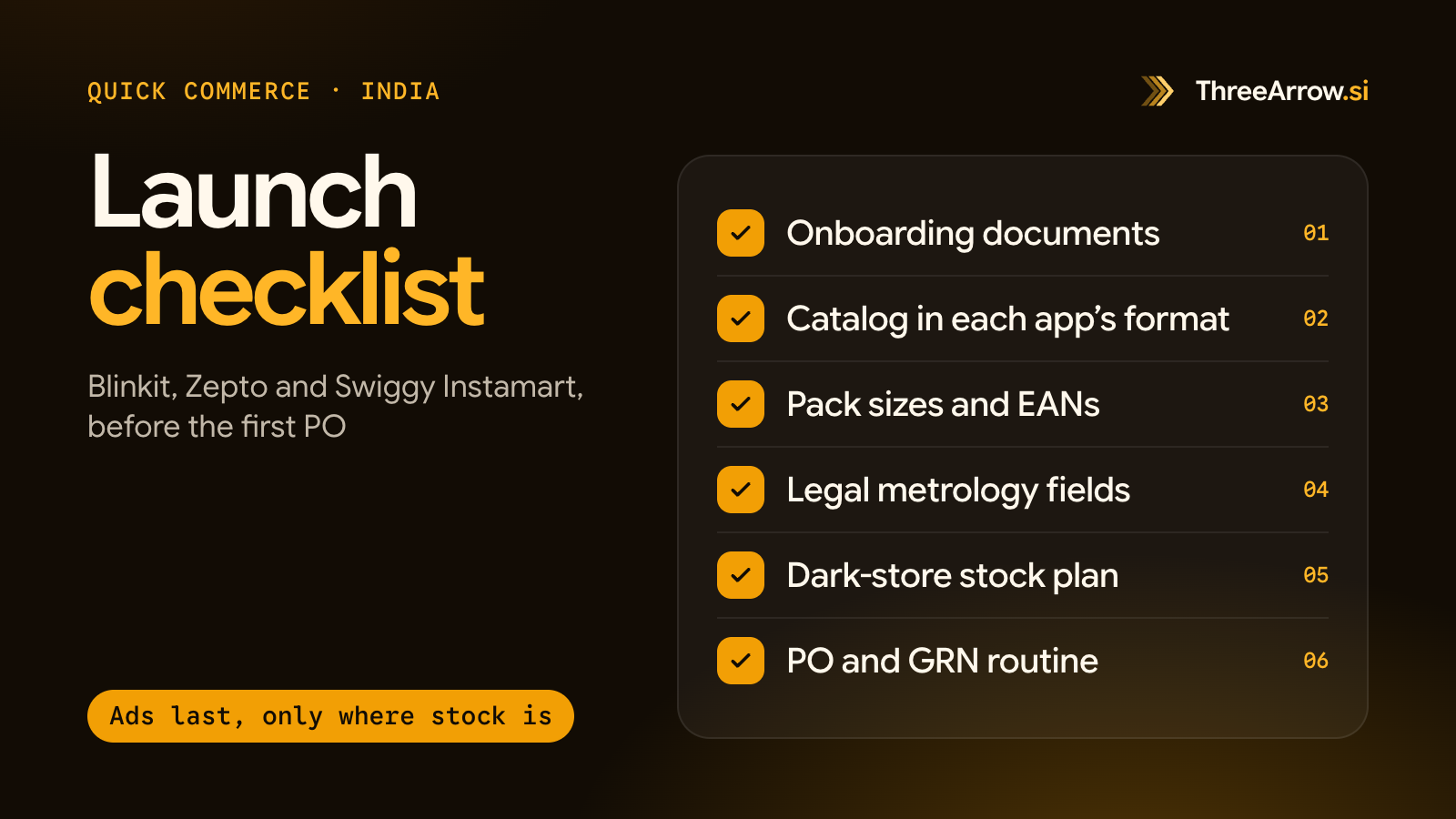
Before your first SKU goes live on Blinkit, Zepto or Swiggy Instamart, have six things ready: the onboarding documents, a catalog sheet in each app's format, the pack sizes you'll actually send, every legal metrology declaration on every listing, a plan for which cities and dark stores you'll keep in stock, and a routine for POs and GRNs. Ads come last, and only where the stock is.
The checklist below is the one we'd hand a D2C brand's ops lead a month before launch. Rules and app policies change often, so treat the compliance parts as a starting point and confirm the current text with each app's team and your own adviser.
What do you need before you apply?
Each app runs onboarding through its category or brand team, and each asks for its own list. Expect most of these:
- GST registration and PAN for the entity that will invoice the app.
- A bank account in the same name as the GST registration.
- An FSSAI licence or registration for food and beverage products. FSSAI has said no food business can operate on an e-commerce platform without one.
- Proof that you own or may sell the brand. A trademark certificate or application if it's your brand, or an authorization letter from the brand owner if you're a distributor.
- A GS1 barcode (EAN-13) for every SKU. The apps receive stock and sell by barcode.
Know the commercial model before you sign. In 2025 Blinkit moved most of its business to buying stock from brands itself, according to its parent Eternal's shareholder letters. If an app buys from you, you'll be selling on purchase orders, at a transfer price (TP) you agree per channel, and that decides your margin more than the MRP does.
How should you build the catalog?
Build one master sheet first, then fill each app's template from it. Every app has its own Excel format, title style and image rules, and they change. The fields underneath are mostly the same.
Brand · product · variant · size, in that order
A few things trip up first listings:
- Titles. Follow the app's order, usually brand, product, variant and size. Shoppers on these apps search for the product and the size they want.
- Images. A clean front of pack, the back of pack with the label readable, and anything that shows size or use. Quick-commerce screens are small, so the front image has to read at thumbnail size.
- Shelf life. Record it for every SKU. It decides how much stock each DC will accept and how long it can sit.
- Case pack. DCs receive whole cartons. The case pack in your sheet has to match the carton you ship.
The catalog agent does this part for you: tell it which SKUs, and it fills each app's template from your master sheet, checks every field and uploads it.
Which pack sizes should you launch with?
Send the sizes people buy for this week, and not your whole range. Quick-commerce orders tend to be small top-up baskets, and dark stores have limited shelf space for each brand.
Since 2022, India's packaged-goods rules no longer fix the pack sizes you may sell. Every pre-packed product now has to show a unit sale price, such as the price per kg or per litre, so shoppers can compare a 500 ml bottle with a 1 L one. Each size you add is a new SKU, a new barcode, a new listing and a new line on every PO, so start with two or three and add more once you see what sells.
Which legal metrology fields must every listing show?
Under the Legal Metrology (Packaged Commodities) Rules, an e-commerce listing for a packaged product has to show the declarations printed on the pack. For most products that means:
- name and address of the manufacturer, packer or importer
- country of origin
- common or generic name of the product
- net quantity
- MRP, inclusive of all taxes
- unit sale price
- consumer care details
- best before or use by date, where the product needs one
Food products also need the FSSAI licence number. The rules keep changing: amendments notified in 2026 tighten how country of origin must appear on e-commerce platforms, with some provisions reported to start on 1 July 2027.
Shelf life at delivery matters too. In November 2024, FSSAI asked e-commerce food businesses to deliver products with at least 30% or 45 days of shelf life left. Plan your batch dates and DC stock so the oldest units don't sit until they fail that check.
How do you plan dark-store availability?
Start with the cities where you can keep stock steady. The app moves stock from its DC to its dark stores, so you control what reaches each DC, and the app decides which stores get it.
That makes availability a store-by-store question. A SKU can be live on one side of a city and gone on the other. Check each app by pincode every day for your SKUs and your rivals', and when a store keeps running out, look first at what you're sending to the DC that serves it.
The market intel agent reads availability, rank and price by dark store and pincode, and the stock agent keeps your stock figures right on every channel.
When should ads start?
After availability is steady, and only in the cities and stores where your SKU is in stock. Ad spend on a product a shopper can't buy is wasted, and on quick commerce that happens store by store.
Each app sells ads through its own console, with its own reports, and most ad reports arrive a day late. Set a rule before launch: pause a SKU's ads where its cover falls below a threshold, and turn them back on when stock returns. Our post on stock-aware ads for quick commerce explains how, and the ads agent runs it daily from the portal reports.
What does the PO and GRN routine look like?
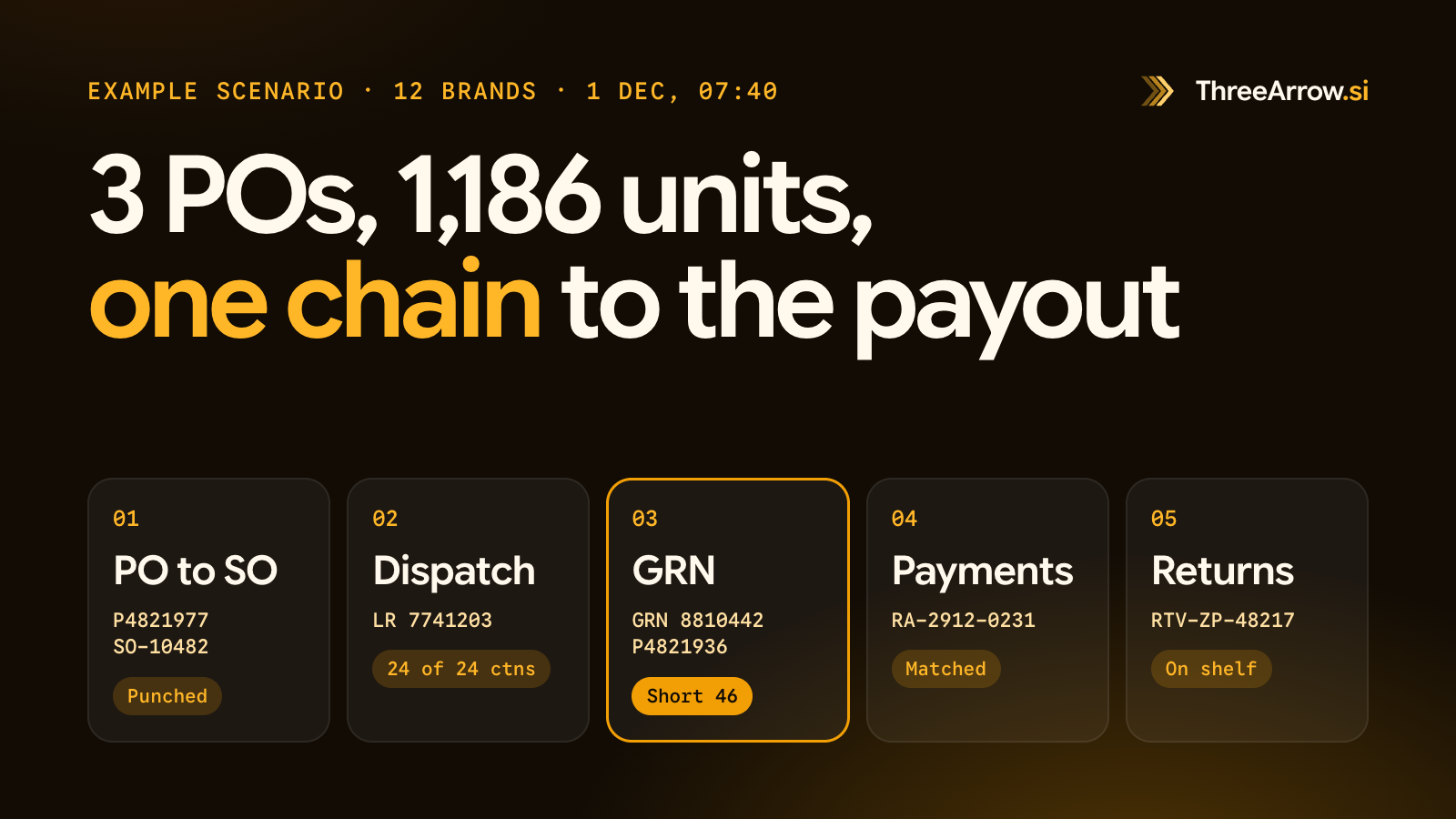
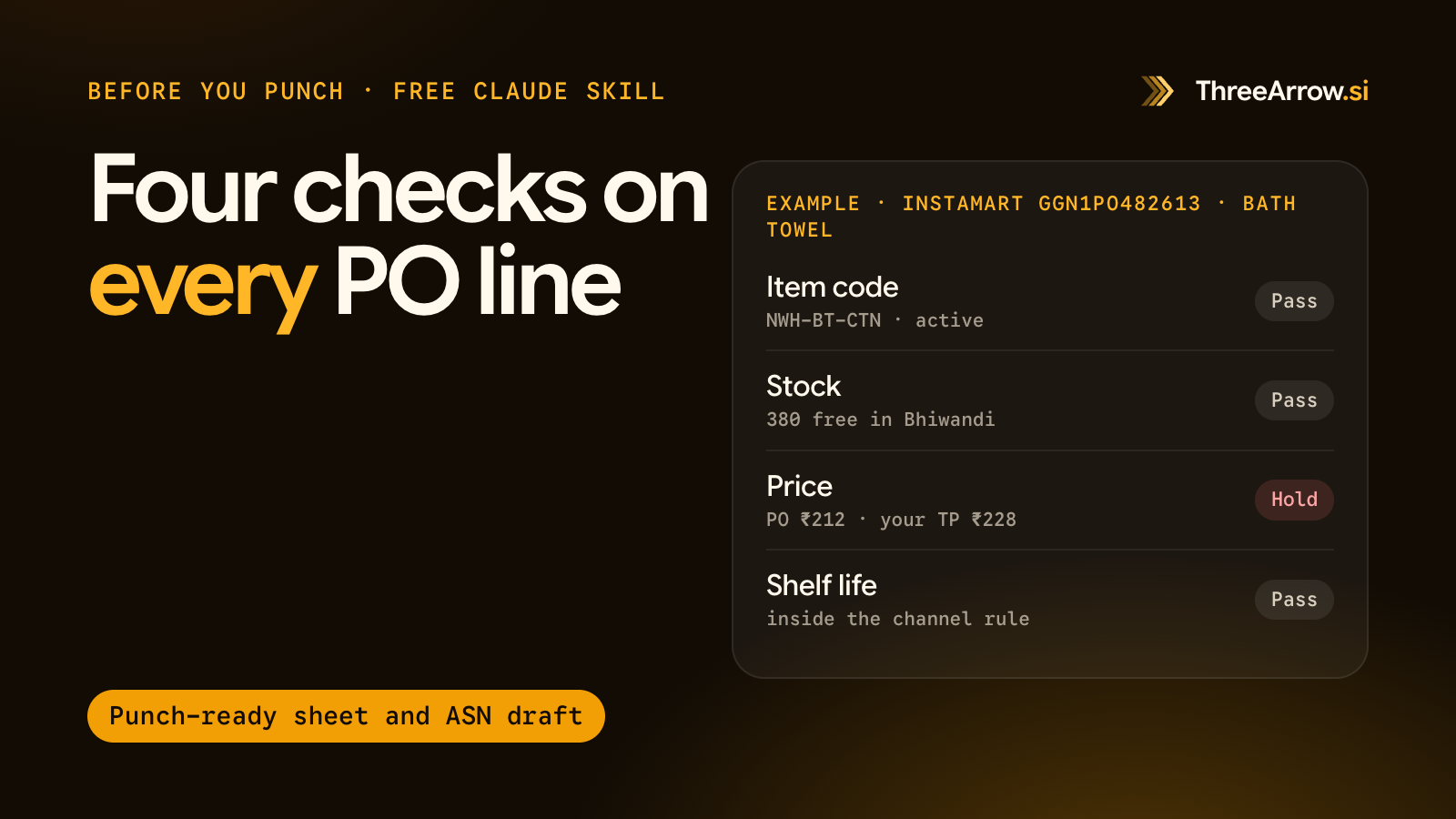
If an app buys from you, the daily work starts with its POs. They arrive on vendor portals and by email, each with its own format and expiry date. Each one has to be checked against your TP, MRP and case pack, punched as an SO in your OMS, shipped with an e-way bill and an ASN, and delivered in a booked slot.
Then the GRN posts. It's the app's count of what its DC accepted, and you're paid on it. A short GRN needs a ticket with the signed POD attached before the dispute window closes.
These are the Run stages, and each has its own agent: PO to SO, Dispatch and tracking, GRN and short claims and Invoices and payments. For the step-by-step version, read how to check a Blinkit, Zepto or Instamart PO and how to automate PO punching.
The quick commerce playbook puts all six jobs on one page. If you're already live, a free brand report shows where your SKUs are out of stock and where rivals rank above you, within 12 hours.
Questions
How long does onboarding take?
It varies by app, category and how complete your documents are, and the apps don't publish a fixed timeline. Missing paperwork is the most common delay, so have every document and a full catalog sheet ready before the first call with the category team.
Do I need a separate EAN for every pack size?
Yes. Each pack size is its own product with its own barcode, listing, MRP and case pack. The apps receive and sell by barcode, so two sizes sharing one EAN will cause problems at the DC and in your stock counts.
Should we launch in every city at once?
Start with the cities where you can keep stock steady, and add more as supply allows. A listing that keeps going out of stock can lose its place in search, and ads can't fix an empty shelf.